The small web
A page that still works when the extras fail
Start with the reader’s task. Then test what survives a narrow screen, a missing script and a link that has moved.
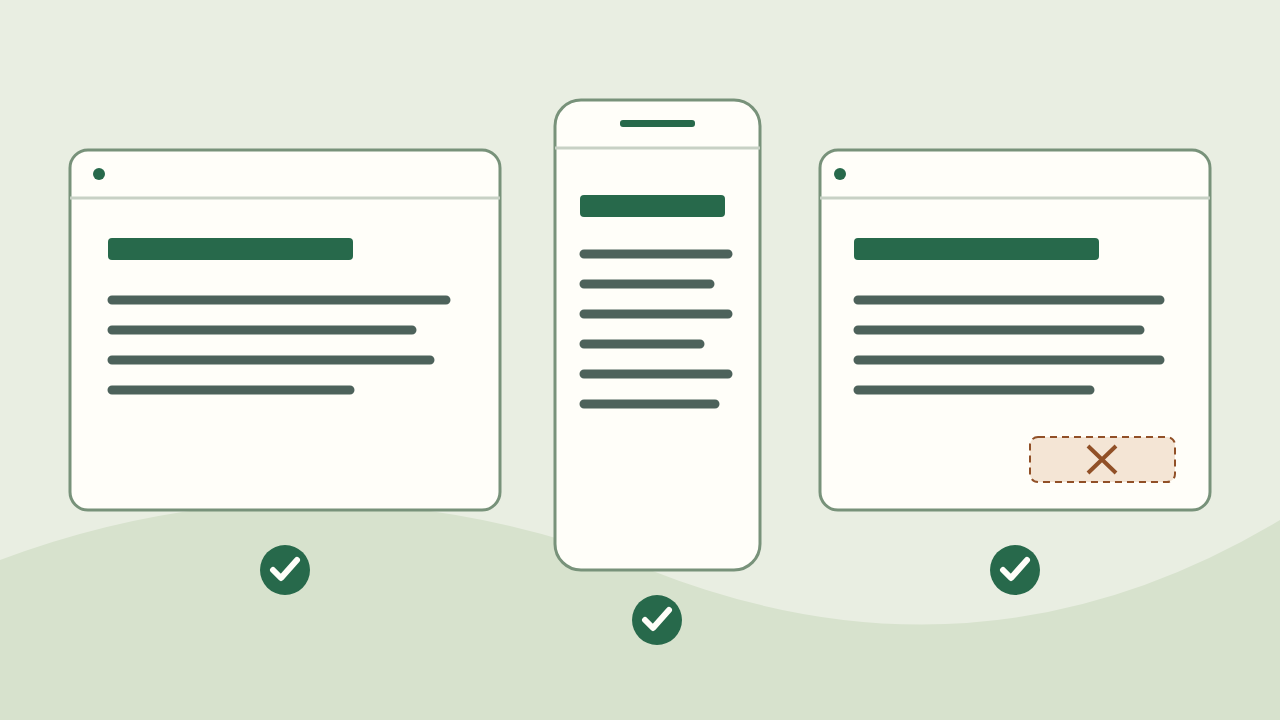
Give the page one job
Imagine a neighbourhood group sharing instructions for a seed swap. A visitor needs to find what to bring, where to go and what happens if it rains. A beautiful countdown cannot replace those answers. Put the essential instructions in ordinary text, in the order a visitor will use them.
For your own page, finish this sentence: ‘After reading this, someone can…’ If the answer contains three unrelated tasks, choose one for this page and link to the others. This is an editorial exercise, not a ranking formula.
Pass 1: read it on a narrow screen
Open the page on a phone or narrow your browser window. Read from the title to the last step without rotating the device. Long addresses and wide diagrams are common places to lose the thread.
- Check that the title names the task and the first paragraph gives the practical result.
- Follow every navigation link with a finger. If two links are hard to distinguish, give them more space or clearer labels.
- Look for sideways scrolling. Simplify a wide table or provide a readable text explanation beside the visual.
- Enlarge the text. Important instructions should stay visible rather than being cut off by a fixed-height box.
Pass 2: remove the optional layer
Turn off JavaScript in a test browser and reload. The seed-swap time, location and packing list should still be there. A map can enhance an address; it should not be the only way to discover it. A feedback form can require a script as long as the page explains that limitation.
Try hiding the illustration too. Its alternative text should explain its purpose, while the surrounding prose carries the actual instructions. Do not put an essential deadline only inside an image.
- Can you read the complete answer before any interaction?
- Do real links still take you to related pages?
- Does an unavailable feature explain what the reader can still do?
Pass 3: make one correction safely
Suppose the seed swap moves indoors. Change the address in the visible text, then check any map link and translated version. If a translation has not been updated, do not silently treat it as equivalent. Review the affected version before presenting it as current.
Keep the page’s address stable when the subject is unchanged. If a move is necessary, arrange a redirect from the old address and update links that you control. Changing a heading alone is not a reason to create a new URL.
A small acceptance card
Before sharing, ask someone to use the page for its stated task. Record the point where they hesitate, not just whether they like the design. Here is a compact card you can copy into your own review:
- Task: What should the reader be able to do?
- Answer: Is the needed information present as text?
- Access: Does the page work on a narrow screen and without optional scripts?
- Trust: Which claims need a source or a date?
- Repair: Where can a reader report an error, and who will check it?
What this check does not prove
These passes catch common publishing mistakes; they are not a complete accessibility audit or evidence that a search engine will index the page. They also do not establish whether the underlying advice is correct. Check factual claims separately, using an appropriate primary source. The seed swap above is a fictional example, not an event announcement.